Print the workbook you designed in Canva
To print Canva workbook pages as a bound book, set the finished size, turn on print bleed and download a PDF Print file. Upload it, approve a proof of your exact file, and we print, bind and ship 10 to 100 copies to your venue.
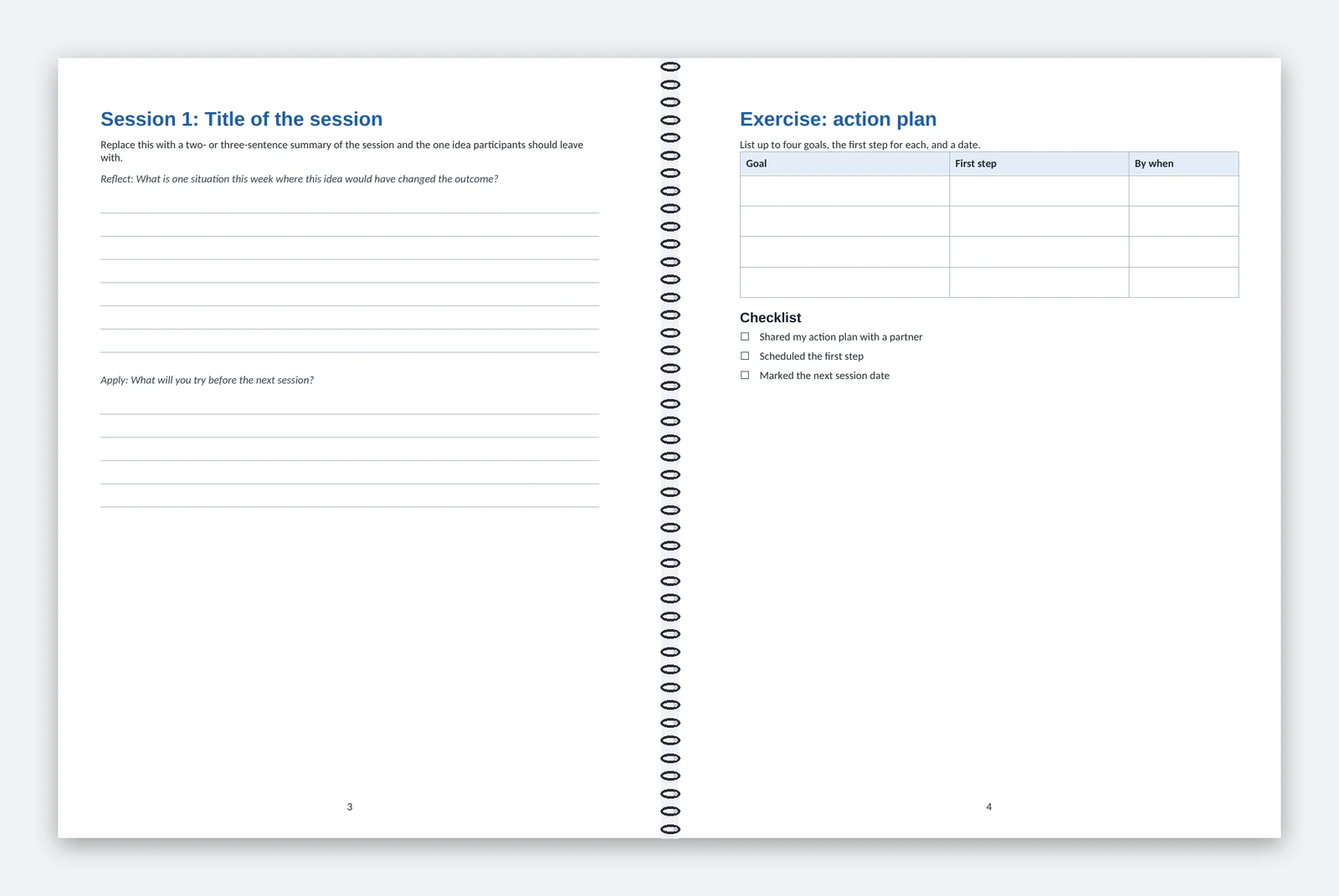
Pick the format that fits your pages
Choose coil when your workbook runs past 16 pages or people write in it at a table, because it lies flat. Choose a stapled booklet for 8, 12 or 16 pages.
| Format | Pages | 25 copies | 50 copies |
|---|---|---|---|
| Color coil workbook, 8.5 x 11 in | Up to 48 full-color interior pages, plus covers | $369 ($14.76 each) | $649 ($12.98 each) |
| Black-and-white coil workbook, 8.5 x 11 in | Up to 48 black-and-white interior pages, color front cover | $299 ($11.96 each) | $529 ($10.58 each) |
| Letter booklet, 8.5 x 11 in | 8, 12 or 16 full-color pages, cover included | $169 ($6.76 each) | $249 ($4.98 each) |
| Small booklet, 5.5 x 8.5 in | 8, 12 or 16 full-color pages, cover included | $119 ($4.76 each) | $169 ($3.38 each) |
Color suits photos, charts and color-coded exercises. Black and white suits text and writing lines, and any color images print in grayscale. Compare both coil books on the workbooks page, or see both booklet sizes.
Order any whole quantity from 10 to 100; prices between tiers are in proportion. Boxes are included and postage is at cost. The price calculator shows your delivered total. For more than 100 copies, request a quote.
Set up your Canva file
Set the size and bleed before you design, then build the pages in reading order.
| Format | Canva custom size | Pages in your file |
|---|---|---|
| Coil workbooks | 8.5 x 11 in | Front cover, then up to 48 interior pages |
| Letter booklet | 8.5 x 11 in | 8, 12 or 16, cover included |
| Small booklet | 5.5 x 8.5 in | 8, 12 or 16, cover included |
- Use the finished size from the table as a custom size. Some templates are A4 or slide-sized. If yours is, copy your pages into a new design at the right size and adjust each one.
- Turn on File > Settings > Show print bleed, then stretch any background or photo that touches an edge past the dashed line.
- Keep text 0.25 in inside the trim edge, and 0.5 in from the binding edge on coil pages.
- Keep pages in reading order, one page per page. Booklets need 8, 12 or 16 pages, cover included.
- Download with Share > Download > PDF Print, and tick Crop marks and bleed.
- Open the PDF and page through it once before you upload.
Canva explains these settings in its bleed and crop marks help. Working in Word or Google Docs instead? Follow the Word and Google Docs setup.
Coil pages and covers
Canva shows each page on its own, so it is easy to lose track of the coil side. Keep 0.5 in clear on both side edges of every coil page, and no text can land in the coil.
Page 1 of your file is the front cover. It prints in full color on heavier 80 lb cover stock. The back cover is blank, so leave it out. To skip a back cover page, choose Select pages in the download panel.
Check your layout against Print guide: letter coil workbook (PDF), which marks bleed, the safe area and the coil band. Every guide is on the free templates page.
Booklet pages
Put the front cover on page 1 and the back cover last. The insides of the covers count as pages and print in full color. Short by a page or two? Add a notes or contacts page on purpose to reach the next count. The booklet guides are Print guide: letter booklet (PDF) and Print guide: small booklet (PDF).
From upload to delivery
Work back from your session date: proof, production, then ground transit.
- Review: we check page size, page count, bleed, fonts and image resolution.
- Proof: you get a digital proof of your exact file the same business day we receive a complete file. Approve it or request one round of changes.
- Production: 1 to 3 business days after approval and payment. We print, bind, inspect and pack your books.
- Transit: USPS Ground Advantage to the address you give us. We email tracking when the books ship.
Transit time depends on the distance to the delivery ZIP code. Upload early enough to leave room for one round of changes.
Shipping to your venue
We ship each order to one address, such as the venue, your office or a client's office. Ask the venue who receives packages, and put that name on the order. Large orders may ship in more than one box, each with its own tracking number. Need copies at several addresses? Request a quote.
Reorders for the next session
We keep your approved file. Before each reorder, you confirm it is still current. Changed a date or a speaker? Edit the Canva design, download a new PDF and upload it for a new proof.
Questions
Can I send a Canva link instead of a PDF?
Will the colors match my screen?
Can people write on the pages?
Will you change my design?
Should I export two-page spreads?
Printed and shipped by Charlotte Print in Charlotte, North Carolina.