How to print a booklet from a PDF
To print a booklet from a PDF, set every page to the finished size, make the page count a multiple of 4, and export single pages in reading order with the cover first. A printer then arranges the pages onto folded sheets. This guide covers each step for a stapled booklet, and what changes for a coil-bound book.
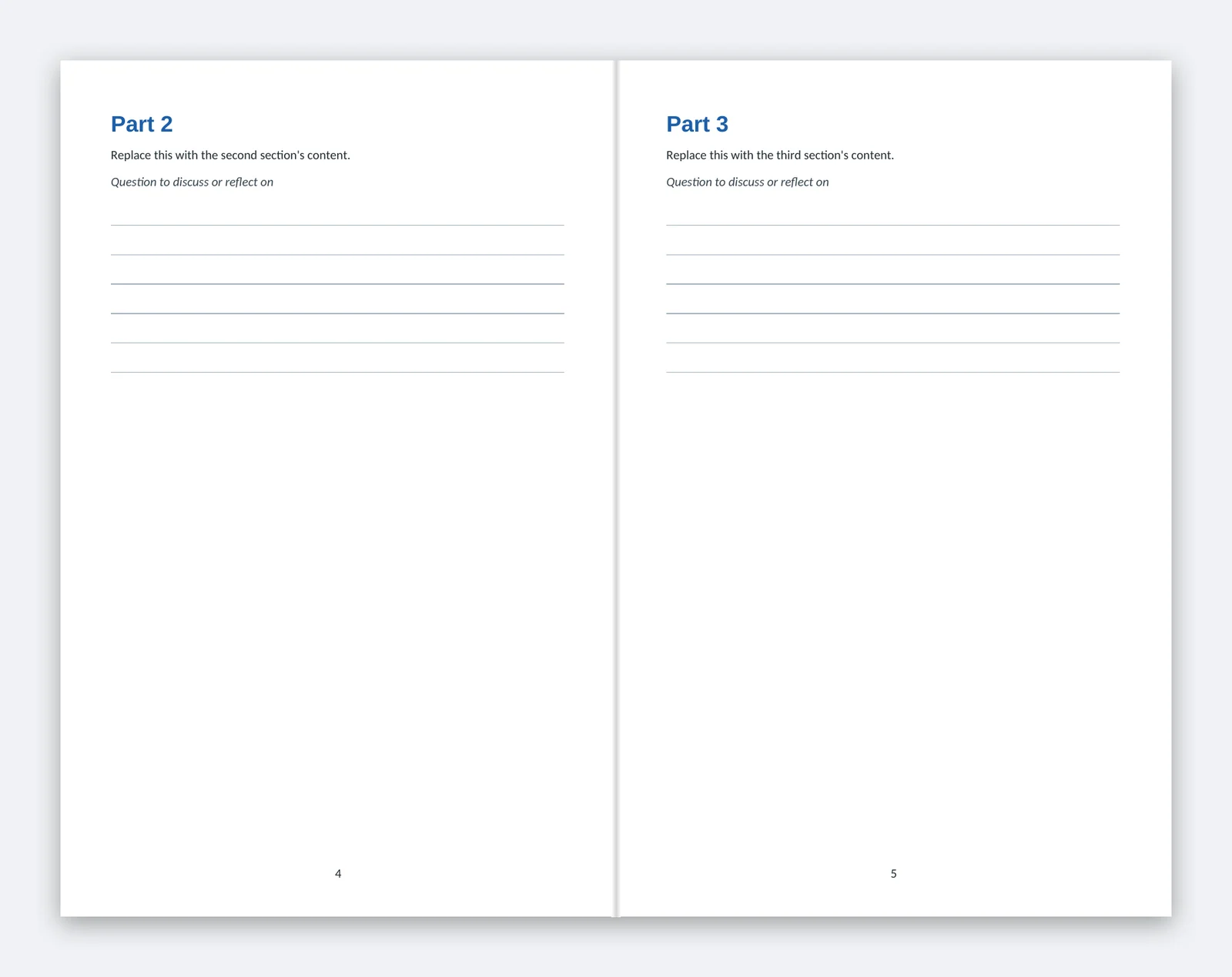
1. Pick the finished size
A booklet is sheets of paper folded in half and stapled on the fold. The two common sizes come from standard sheets:
| Finished booklet | Made from | Typical use |
|---|---|---|
| 5.5 x 8.5 in (half letter) | Letter sheets folded in half | Programs, zines, pocket guides |
| 8.5 x 11 in (letter) | 11 x 17 sheets folded in half | Handouts, catalogs, study guides |
Set your PDF pages to the finished size, not the sheet size. A 5.5 x 8.5 booklet is a PDF of 5.5 x 8.5 pages.
2. Make the page count a multiple of 4
Each folded sheet carries 4 pages: two on the front, two on the back. So a stapled booklet has 4, 8, 12, 16 or more pages, counting the front and back covers.
| Pages | Sheets | Pages inside the covers |
|---|---|---|
| 8 | 2 | 6 |
| 12 | 3 | 10 |
| 16 | 4 | 14 |
If your content runs 10 pages, do not leave two random blanks. Add a notes page and a contacts or credits page to reach 12. Blank pages are fine on the inside back cover.
3. Send single pages, not spreads
Do not rearrange pages into "printer spreads" yourself. In a 16-page booklet, page 16 sits beside page 1 on the same sheet, and page 2 beside page 15. That arrangement is called imposition, and the printer's software does it.
Send one PDF with every page as its own page, in reading order:
- Page 1: front cover
- Pages 2 to 15: inside pages, in order
- Page 16: back cover
The "booklet" print setting in Adobe Reader or Word does imposition for a desktop printer. Do not use it for a file you send to a print shop.
4. Add bleed if anything touches the edge
Printers trim booklets after folding. If a photo or color runs to the edge, extend it 0.125 in past the trim on every side, so no white line appears after cutting.
| Finished size | Page size with bleed |
|---|---|
| 5.5 x 8.5 in | 5.75 x 8.75 in |
| 8.5 x 11 in | 8.75 x 11.25 in |
If nothing touches the edge, keep the plain finished size. Either way, keep text and logos at least 0.25 in inside the trim line.
5. Watch the center of each spread
Content near the fold can disappear into the staples on thicker booklets. Keep text 0.375 in from the fold side. A photo across two facing pages works best on the middle spread, the only spread printed on one continuous sheet.
6. Export the PDF
From Word: use one of our templates, which are already the right size with the cover on page 1. Choose File, Save As, PDF, and pick the standard (publishing) quality option. Word embeds fonts in most cases; check with File, Properties in your PDF reader.
From Google Docs: set the page size under File, Page setup, then File, Download, PDF. Google Docs cannot add bleed, so keep photos inside the margins.
From Canva: turn on File > Settings > Show print bleed and stretch edge-to-edge art past the dashed line. Download with Share > Download > PDF Print, and tick "Crop marks and bleed" so the bleed is included. See our Canva guide for each setting.
From InDesign, Affinity or Illustrator: export "Pages", not "Spreads", with 0.125 in bleed and no printer's marks.
7. Check before you upload
- The page count is 8, 12 or 16 (for our stapled booklets).
- Page 1 is the front cover and the last page is the back cover.
- Every page is the same size.
- Photos are at least 300 ppi at their printed size. A photo that looks sharp on screen can print soft if it was copied from a website.
- Fonts are embedded.
- Text sits at least 0.25 in inside the trim.
We check size, page count, bleed, fonts and image resolution on every file, then send a digital proof the same business day before anything prints.
Templates
- Booklet template, 5.5 x 8.5 in (Word) (DOCX)
- Booklet template, 8.5 x 11 in (Word) (DOCX)
- Print guide: small booklet (PDF)
- Print guide: letter booklet (PDF)
All free templates are on one page.
When a booklet is the wrong choice
- More than 16 pages: a spiral bound book holds up to 48 interior pages and lies flat.
- Writing-heavy pages: a coil workbook opens flat on a desk.
- A journal with blank pages: see custom notebooks.
Print your booklet with us
We print stapled booklets from 10 copies in both sizes, full color on every page:
| Small booklet, 5.5 x 8.5 | Letter booklet, 8.5 x 11 | |
|---|---|---|
| Pages | 8, 12 or 16 | 8, 12 or 16 |
| Price | from $79 for 10 copies | from $99 for 10 copies |
See the small booklet and letter booklet pages for full price tables, or use the price calculator for a delivered total.
Questions
Why does my booklet need a multiple of 4 pages?
Should I set up printer spreads?
Can I send a Word file instead of a PDF?
What resolution do my photos need?
Printed and shipped by Charlotte Print in Charlotte, North Carolina.